Loyalty cards
Save multiple cards and show a barcode or QR code at checkout.
Keep loyalty cards close, show their codes, and organize shopping lists in one app. No account required.
Store links will be added when the app is published.
Practical tools for cards and shopping, without extra steps.
Save multiple cards and show a barcode or QR code at checkout.
Add a card code by scanning its barcode or QR code.
Create multiple lists, check off items, and archive or restore completed lists.
Export and import loyalty cards as JSON. Shopping lists are not included in this export.
Use the app in light or dark mode.
Screens from the current ShopCardGo app.
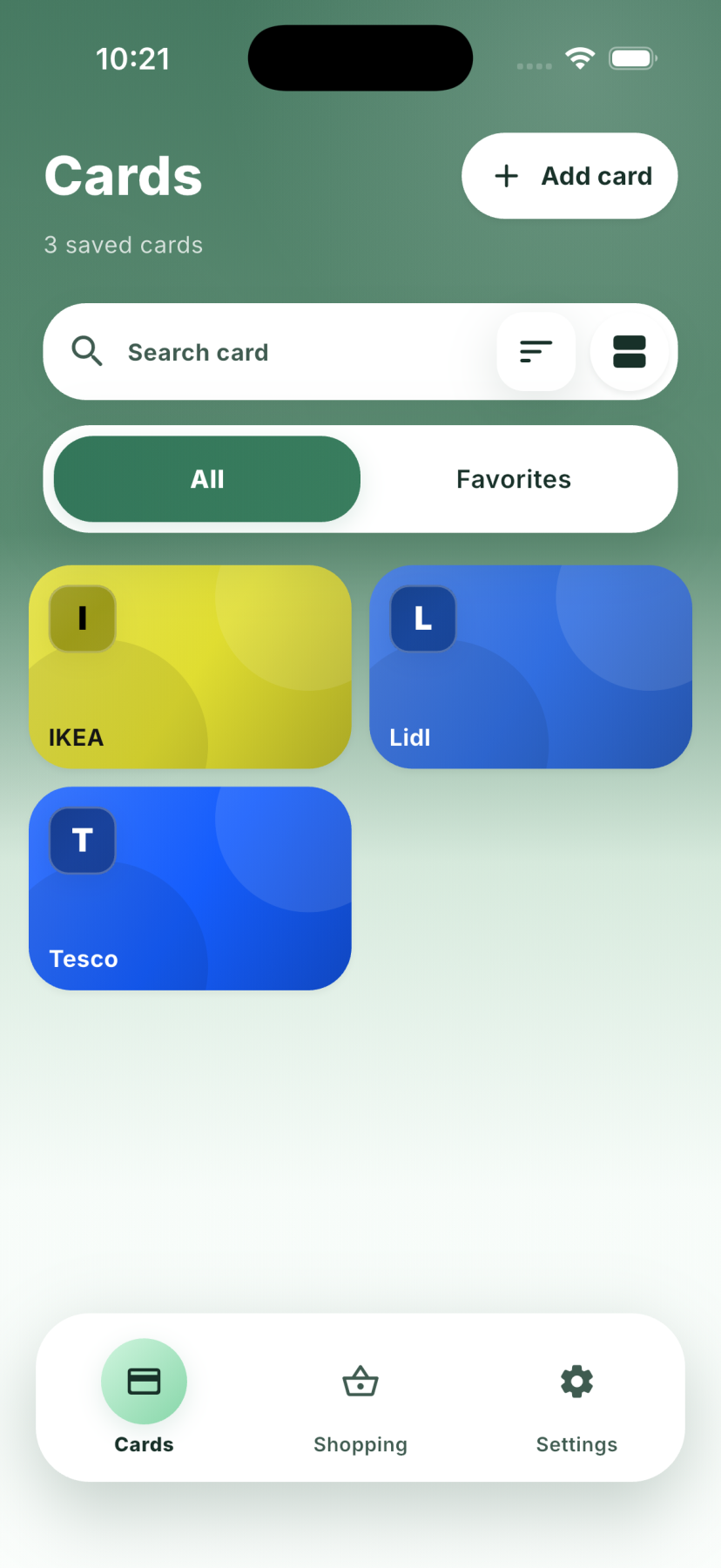 View full imageCards overview
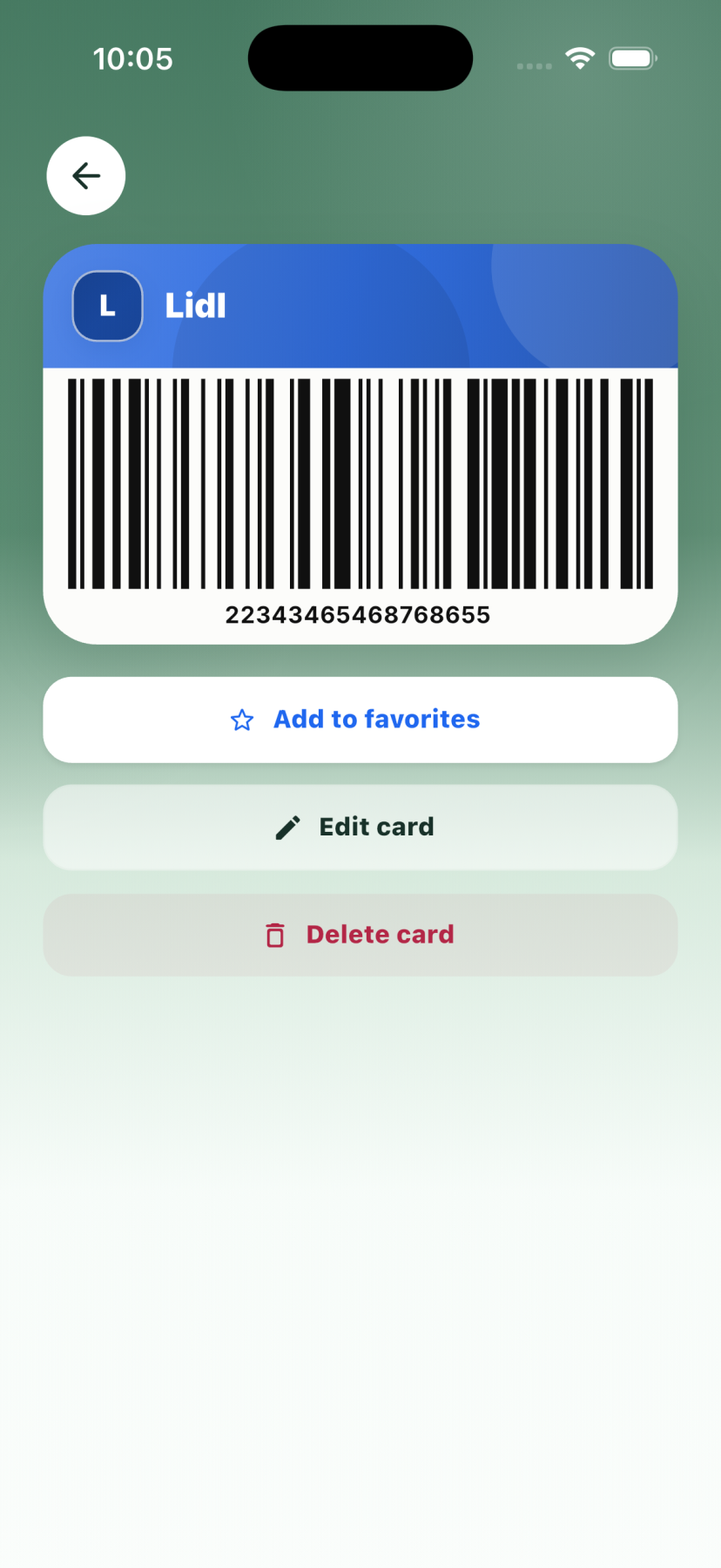 View full imageCard detail and code
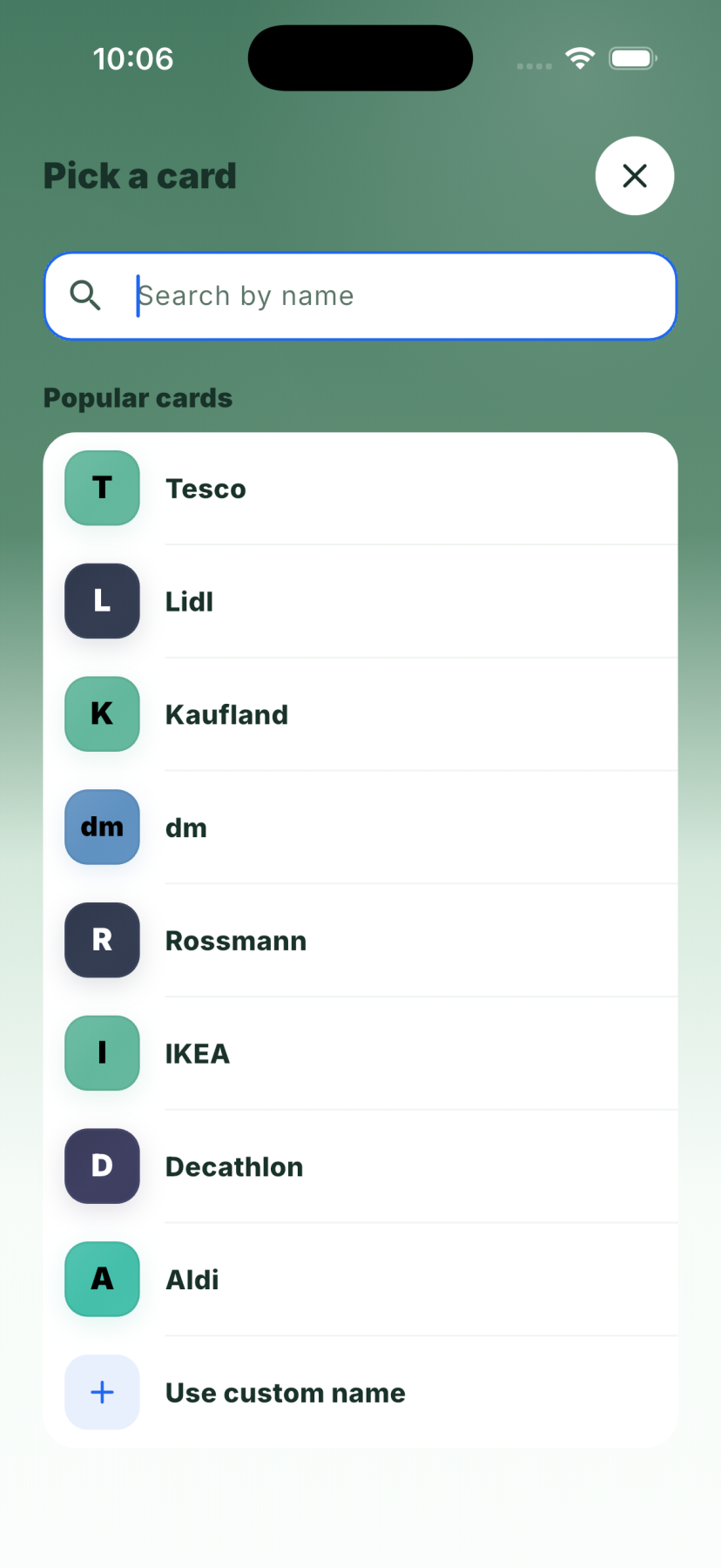 View full imageAdd or scan a card
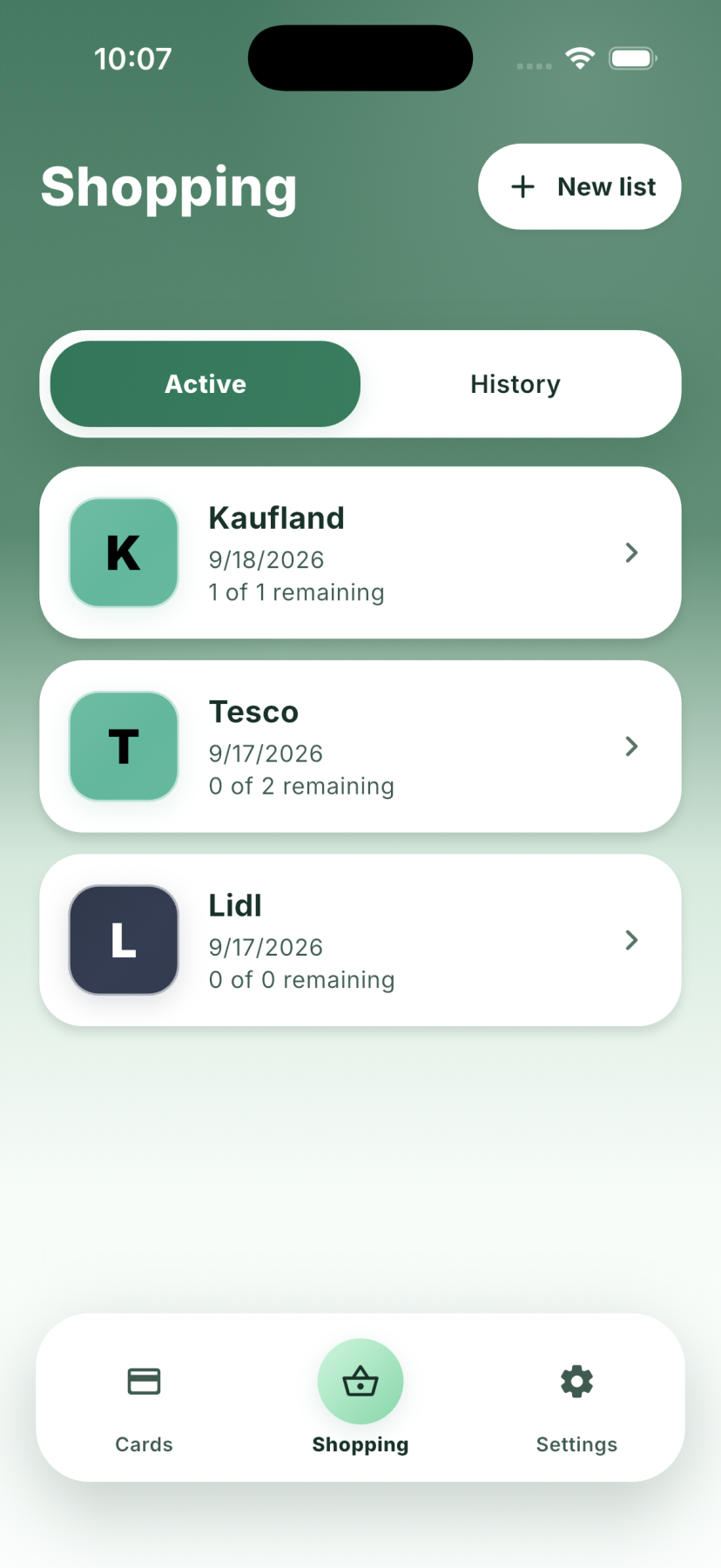 View full imageShopping lists
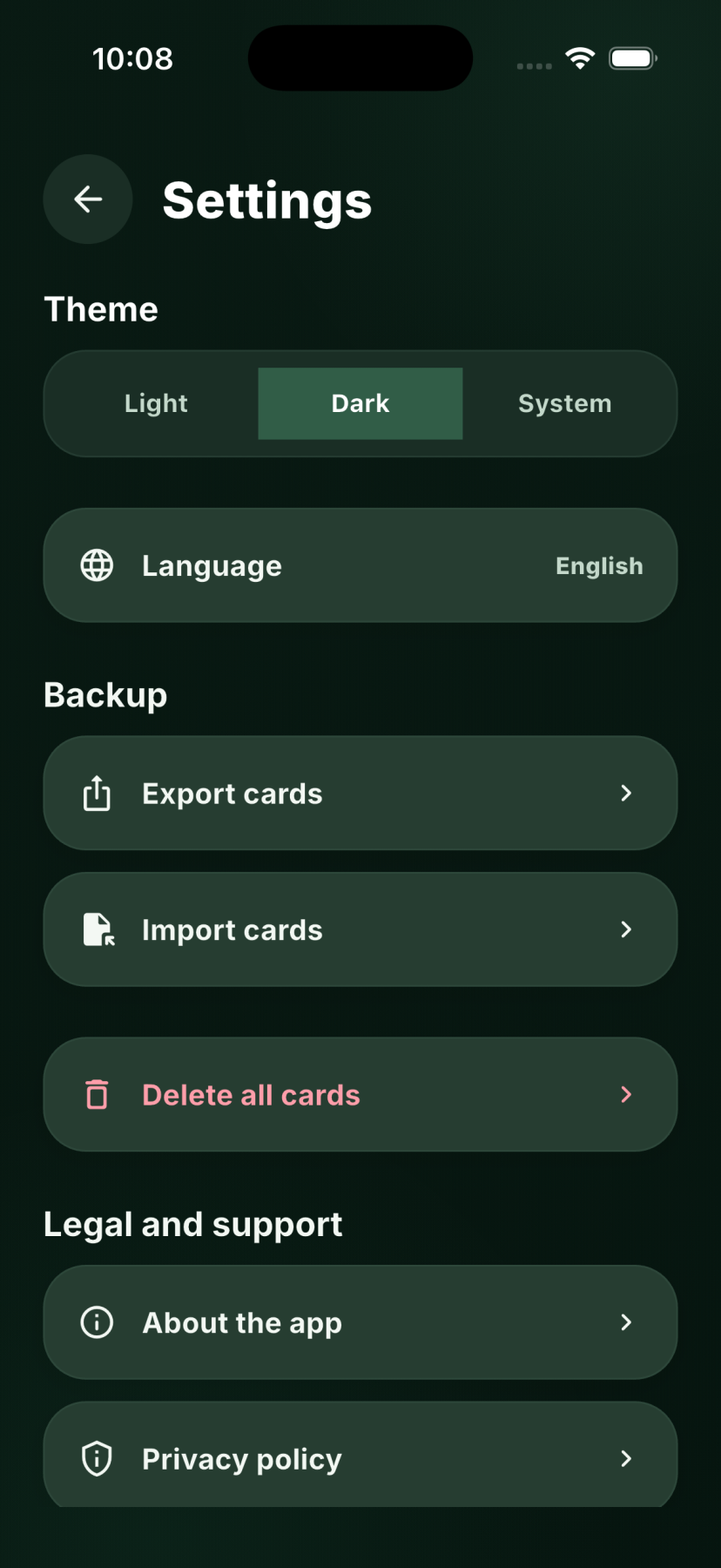 View full imageDark mode
ShopCardGo does not upload your loyalty cards or shopping lists to its own servers. System backups, shared exports, and Android ML Kit technical diagnostics are explained in the Privacy Policy.